Lesson schema
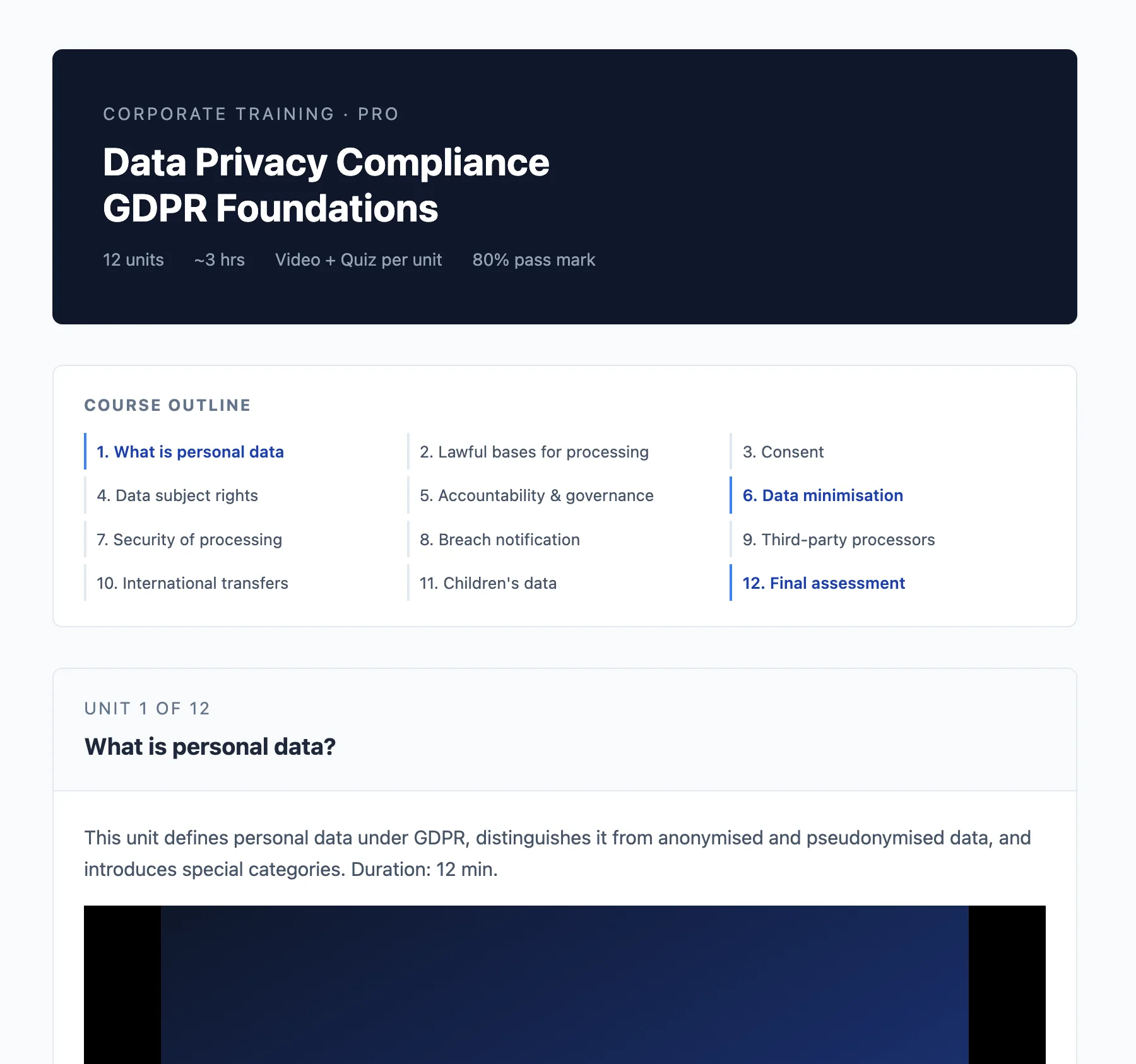
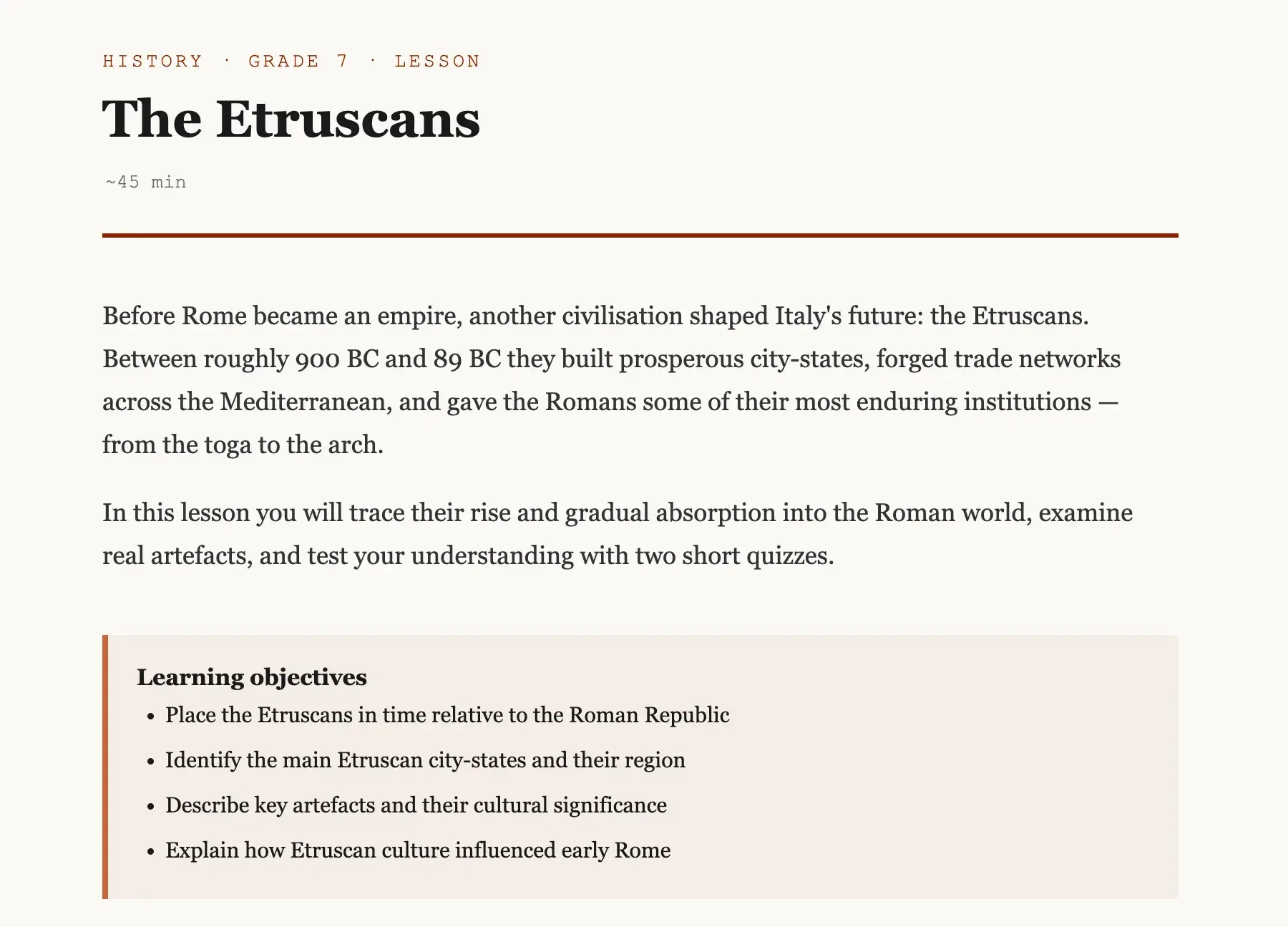
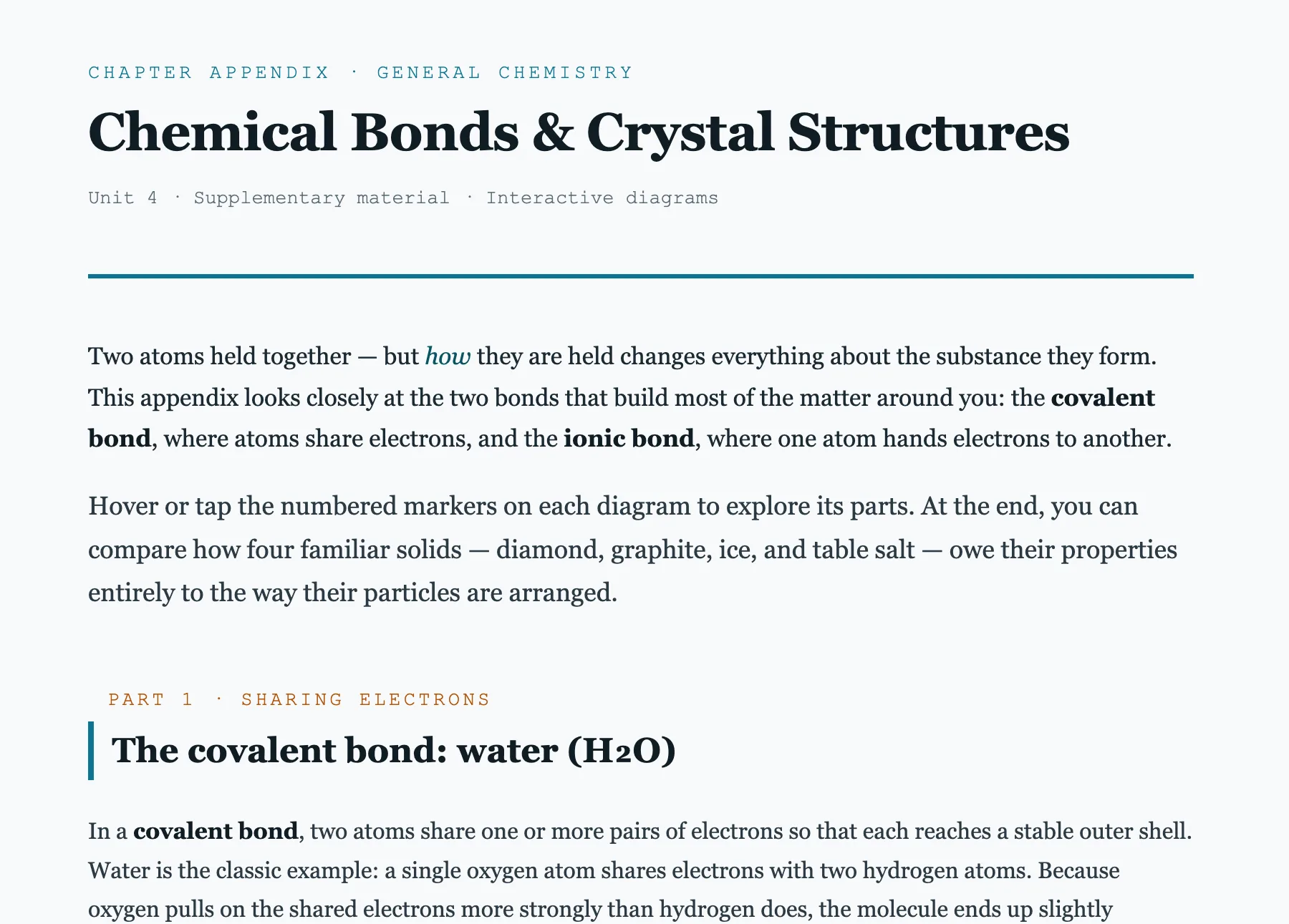
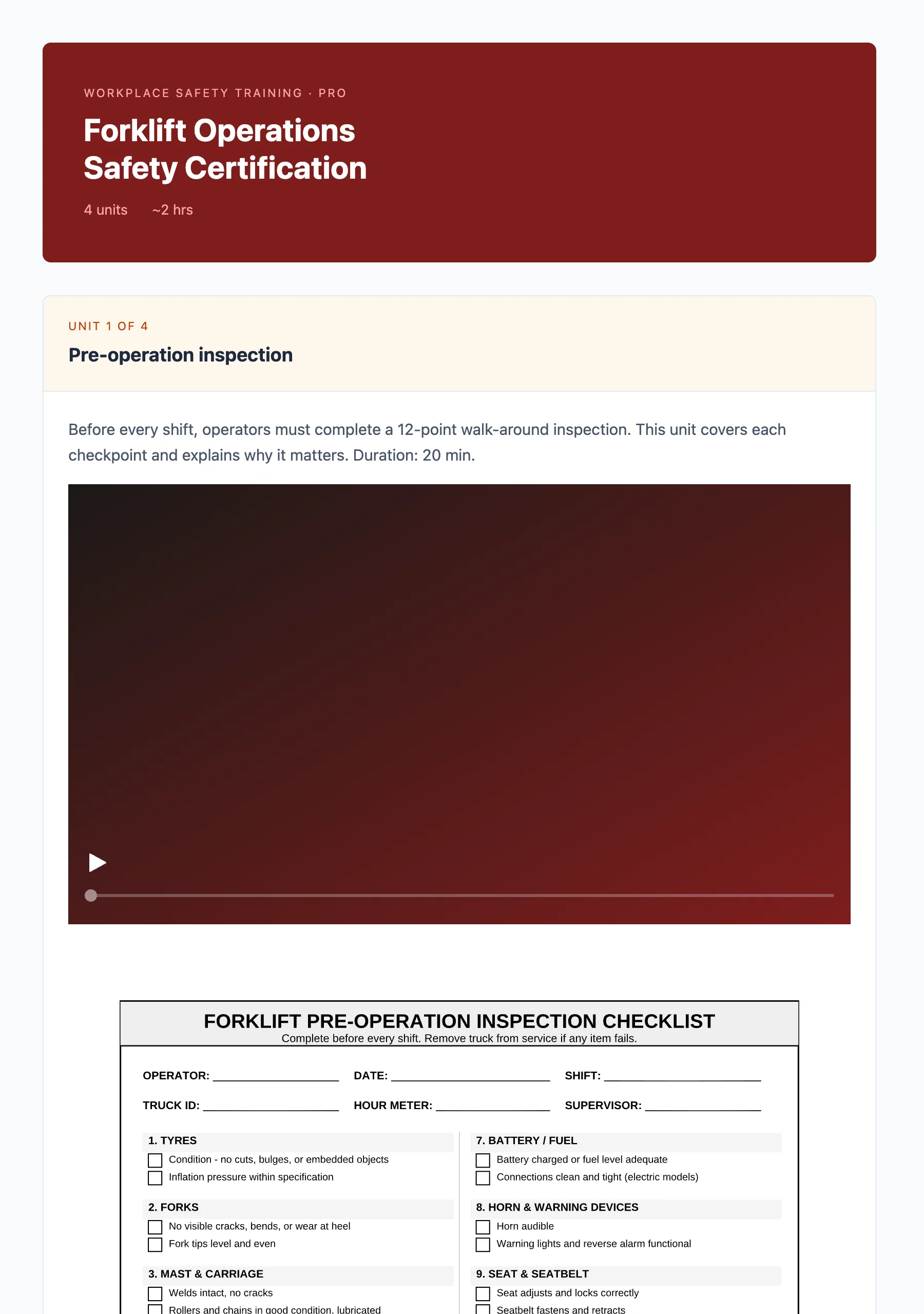
The Lesson schema builds a complete, interactive HTML lesson from a single prompt. Just describe the topic and the intended audience — the AI handles structure, component selection, and delivery.
How to trigger it
Ask for a lesson in natural language, in any language:
- “Create a lesson on photosynthesis for middle school”
- “Build an interactive activity on the French Revolution”
- “Make a learning unit on fractions for grade 4”
- “Didattica sulla Seconda Guerra Mondiale per il liceo”
What you get
A self-contained HTML file you can open in any browser, embed in an LMS, or publish as-is. The lesson includes:
- A title and learning objectives written in the first person (“I will be able to…”)
- Content sections using interactive components — accordions, tabs, timelines, galleries, media players, and more
- Exercises when active practice adds value — multiple choice, fill in the blanks, drag and drop, sorting, essays, crosswords, and more
Exercises are optional. A purely narrative or visual lesson is perfectly valid.
Tips for best results
- Specify the audience. Grade level, subject, or prior knowledge helps the AI calibrate complexity.
- Mention the tone. Formal, conversational, playful — the AI adapts.
- Provide your own media. If you have images, videos, or audio to include, share them in the conversation. The AI will not invent media.
- Iterate freely. Ask to add an exercise, swap a section format, or change the language — the AI will update the lesson in place.